Single monitoring
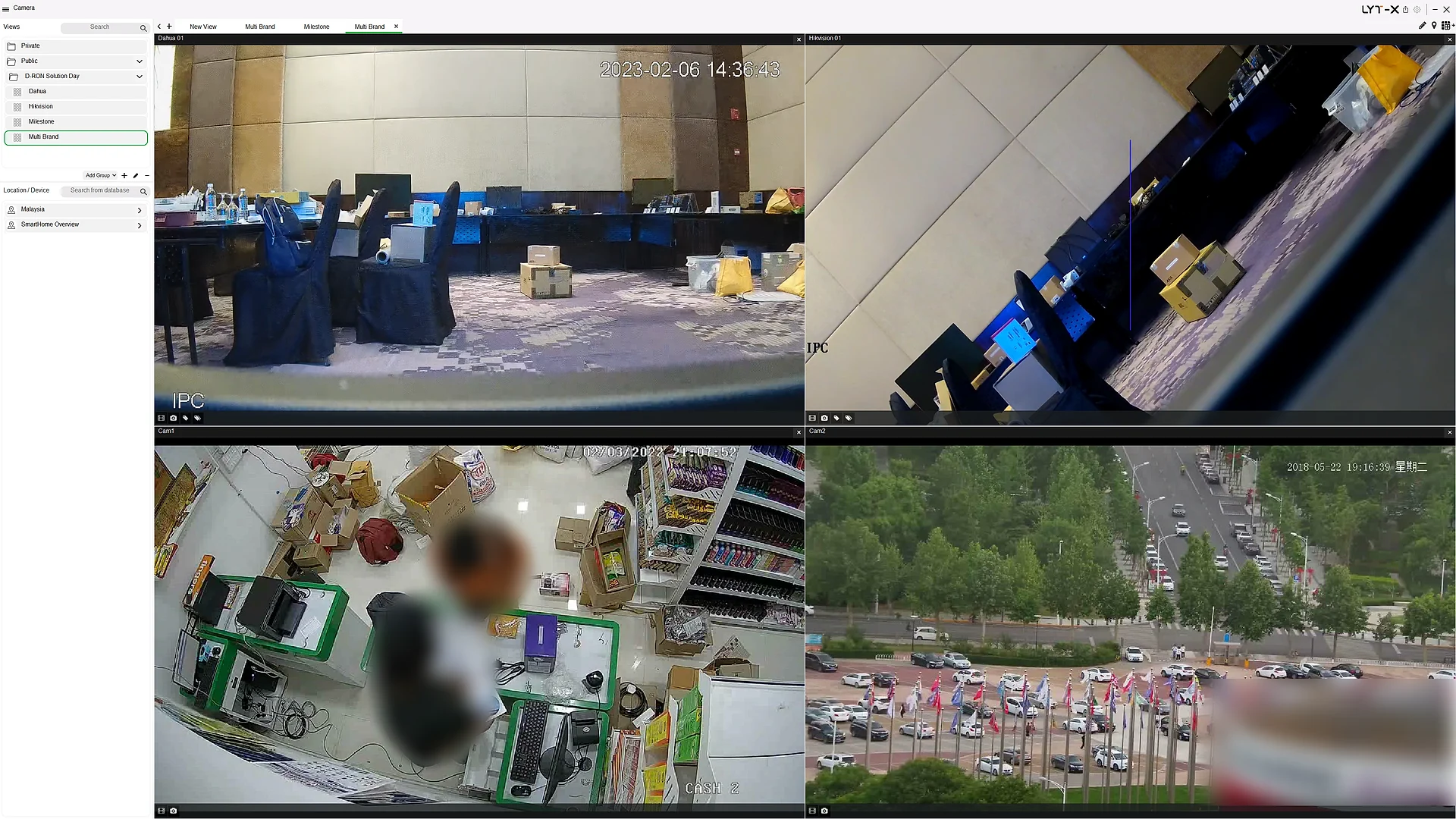
One user interface and monitor, with a standard library of integrations.
LYT-X CSIM · by D Ron Malaysia
Converged Security Information Management that brings CCTV, access control, alarms, sensors and analytics into a single screen, so your team sees more and responds faster.
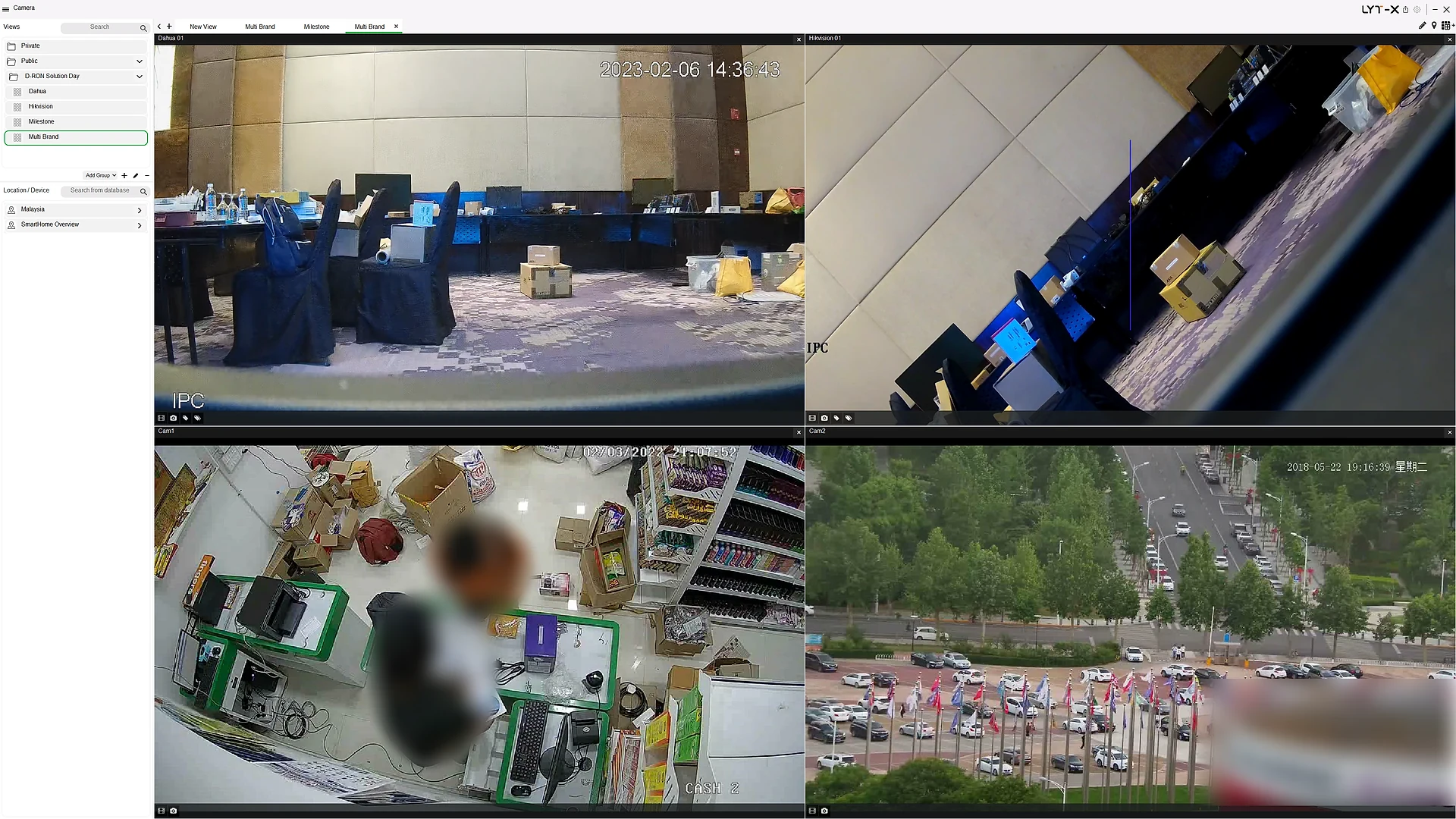
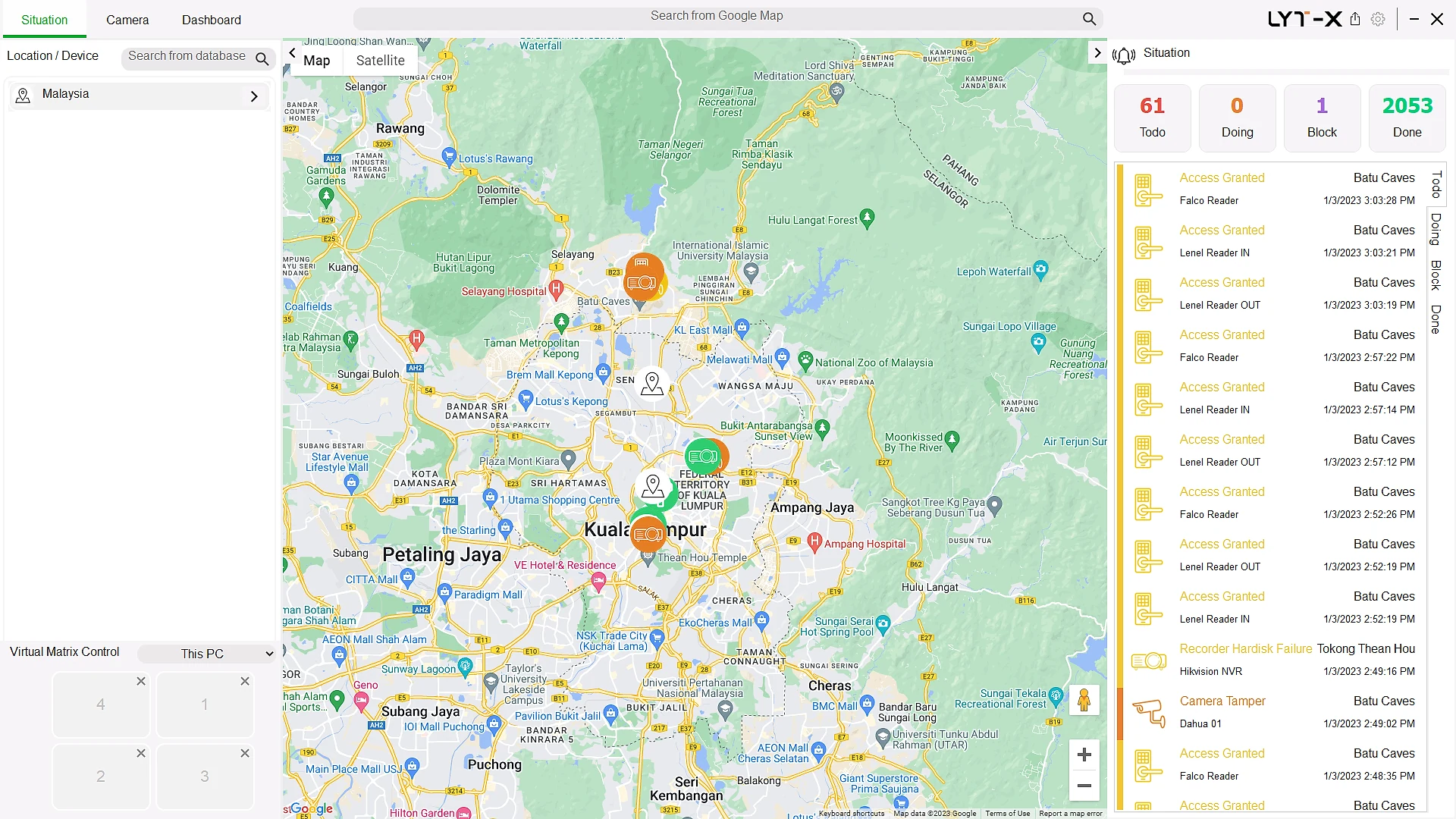
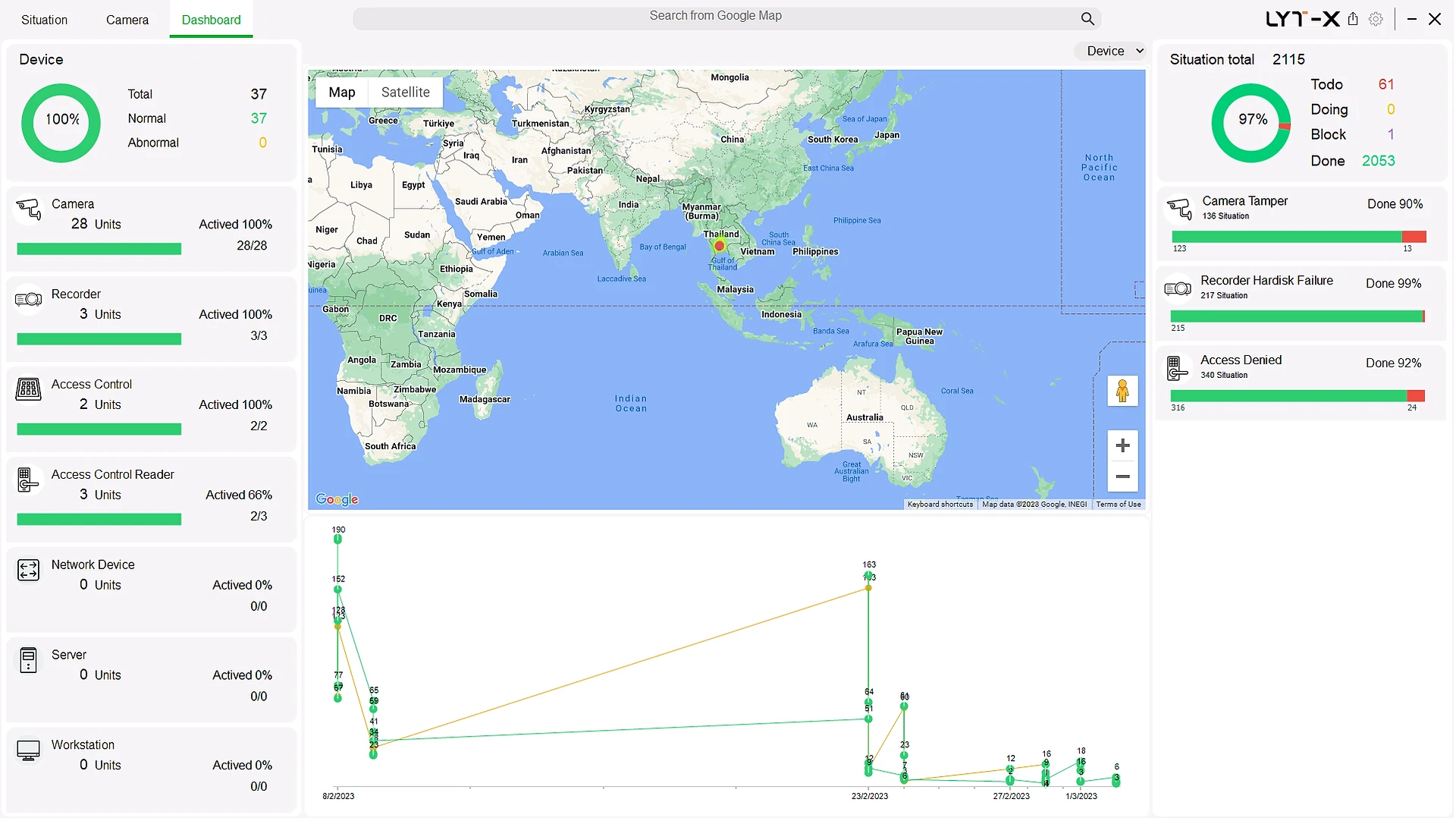
Live demo · Situation awareness
Live demo · Situation awareness
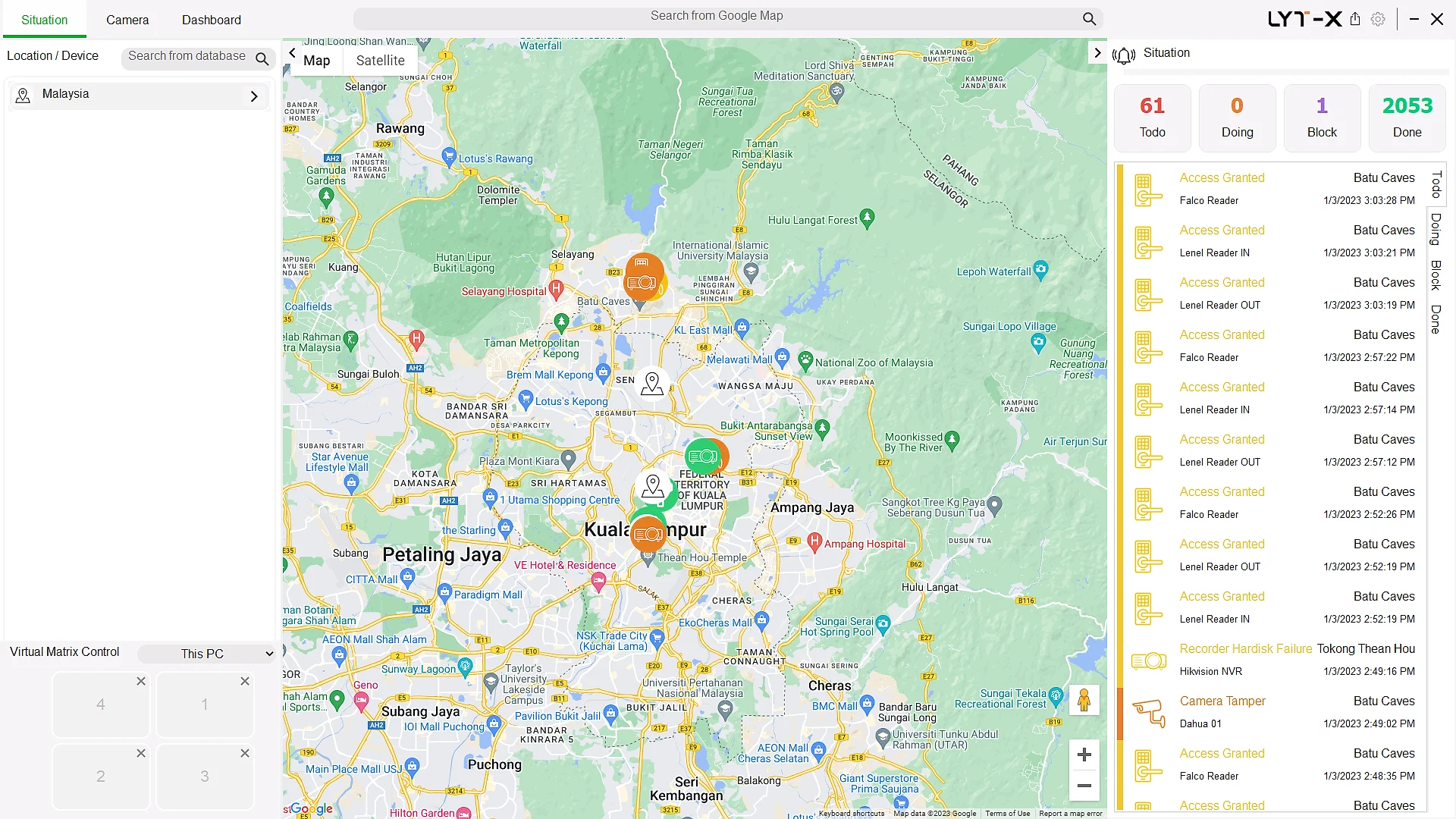
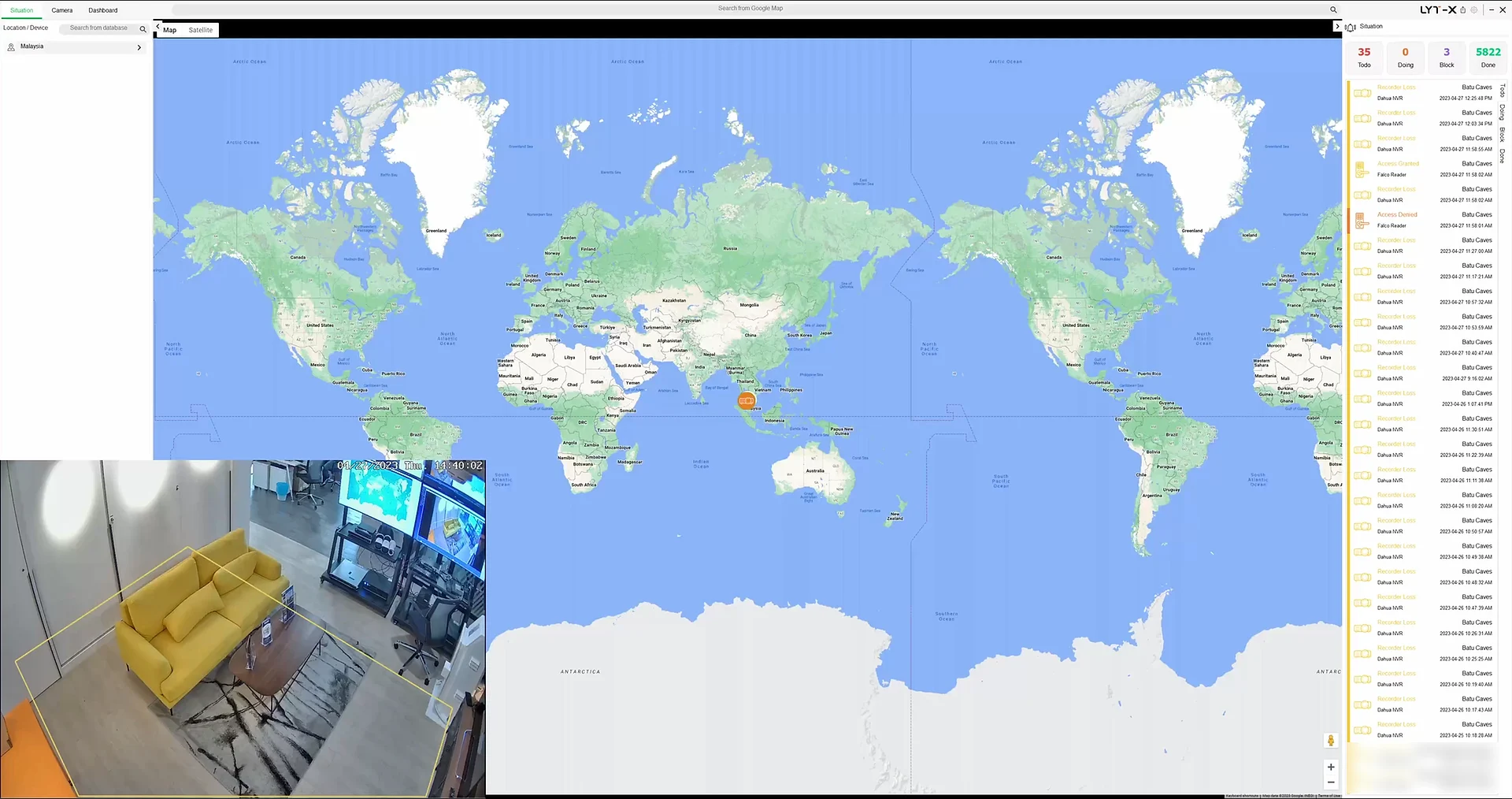
This is the CSIM Situation view, rebuilt for the web. Click a site to fly into its 3D digital twin, then click any device to see its live camera view, access log or readings.
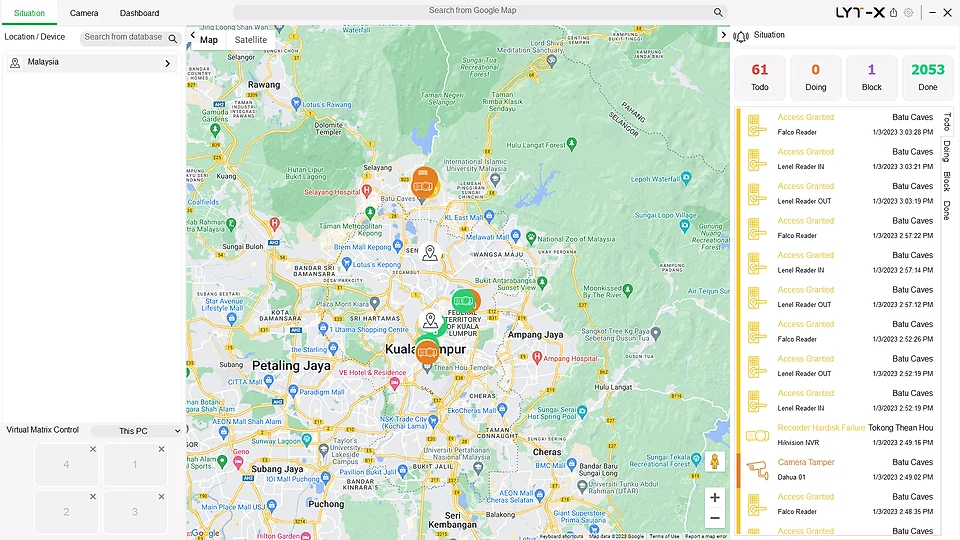
Interactive demo with simulated data. Map data © OpenStreetMap contributors · © OpenMapTiles · tiles by OpenFreeMap.
What is CSIM?
LYT-X CSIM connects and manages your security devices, applications and software through a single user interface. Every incident is recorded, verified and resolved with standard operating procedures, and every action is logged for compliance reporting, training and investigations.
How CSIM worksThe CSIM concept
Connect physical security systems to a single user interface through standard protocols.
Be aware of every alarm event by bringing all network devices into one system.
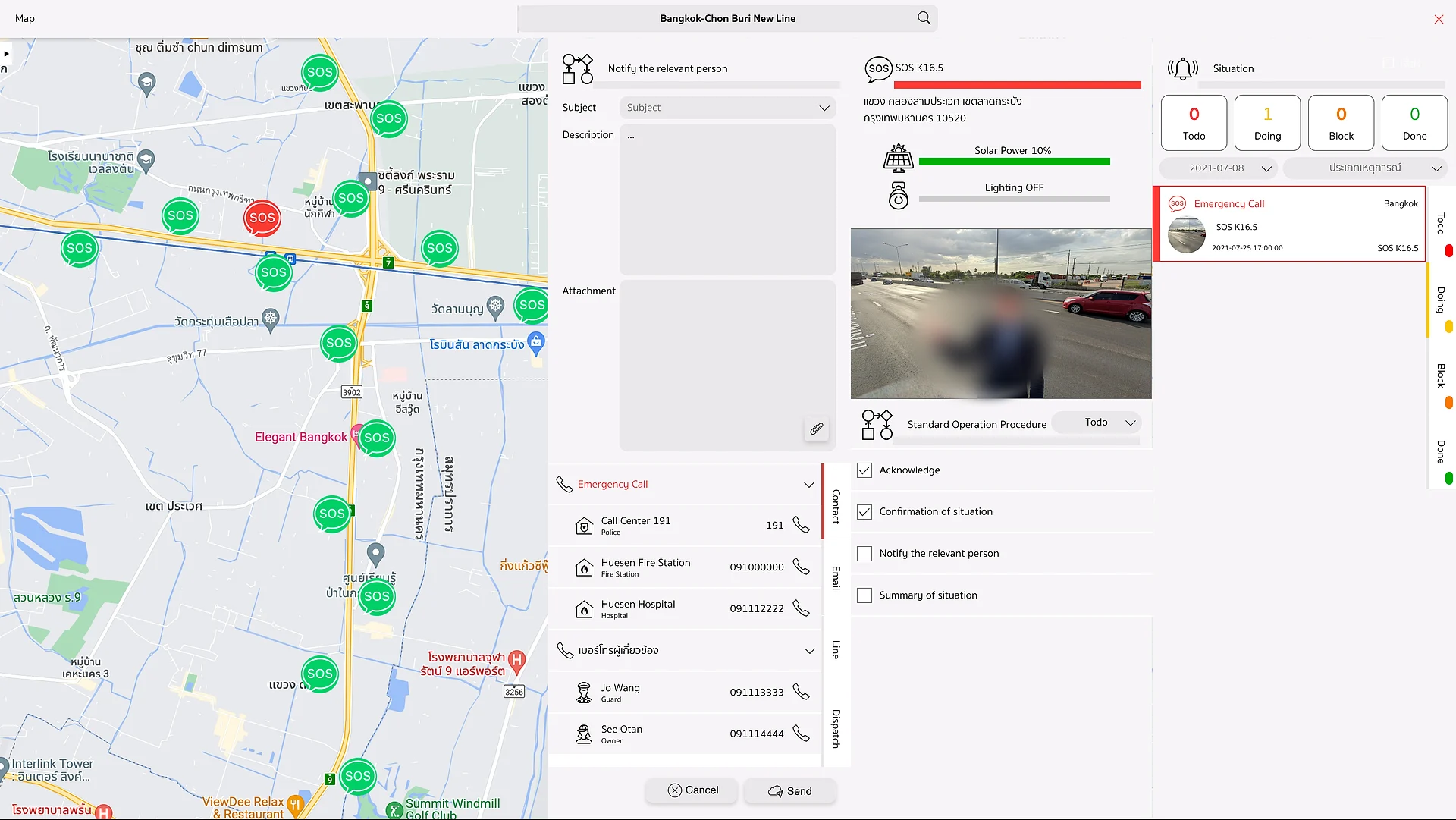
Identify true and false alarms with built-in incident management.
Protect people and assets with situation awareness and automated SOPs.
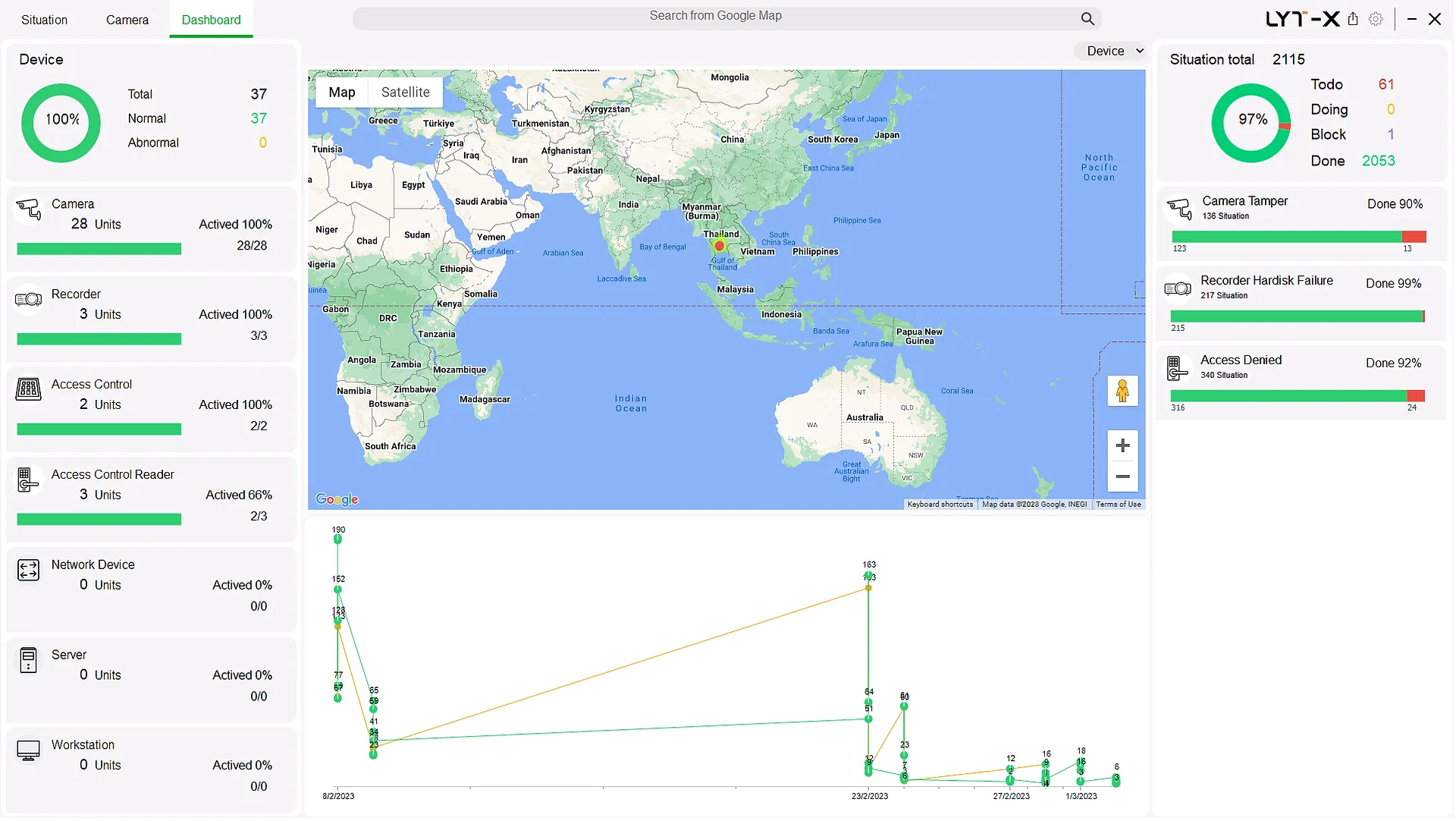
Plan assets and resources with the report and dashboard module.
How it works
CSIM sits above your existing cameras, access control, alarms and sensors, so there's no rip-and-replace.
Your existing systems
CSIM
One command centre
Inside CSIM
Why CSIM
One user interface and monitor, with a standard library of integrations.
Separates true from false alarms, with accurate reporting.
Leverages and extends your existing security investment.
Respond to incidents faster and more efficiently.
Guided, automated procedures resolve incidents consistently.
Lower operating costs through automatic detection and resolution.
Automated dashboards and standard reports across all existing systems.
Monitor and track business assets to prevent loss.
Solutions
Book a live demo and we'll show you how CSIM connects your existing cameras, access control and alarms into one command centre.